Prepare print files with fewer surprises.
PrintCraft Course introduces the practical basics of prepress, including page size, bleed, safe areas, CMYK color, image resolution, PDF export, proof checks, and clear production notes.

A print-ready file begins with the correct boundaries.
Before adding detailed artwork, the course focuses on finished size, bleed, trim lines, and safe areas so backgrounds reach the edge and important text stays clear of cutting tolerance.
Four checks before a file reaches production.
Size And Bleed Setup
Set the finished dimensions first, extend backgrounds beyond the trim line, and keep logos and text inside a practical safe area.
Color And Image Checks
Review CMYK conversion, image resolution, effective size, and ink-heavy areas before trusting how the layout appears on a screen.
PDF Export Control
Inspect page size, bleed settings, crop marks, embedded fonts, and the requested color profile after exporting the final print-ready PDF.
Paper And Proof Review
Compare paper weight, surface, folding needs, and a printed proof so scale, margins, color shifts, and small type can be checked early.
From the prepress notes.

Understanding bleed and trim.
See how finished size, bleed, trim lines, and safe areas work together to prevent white edges and awkwardly cropped content.
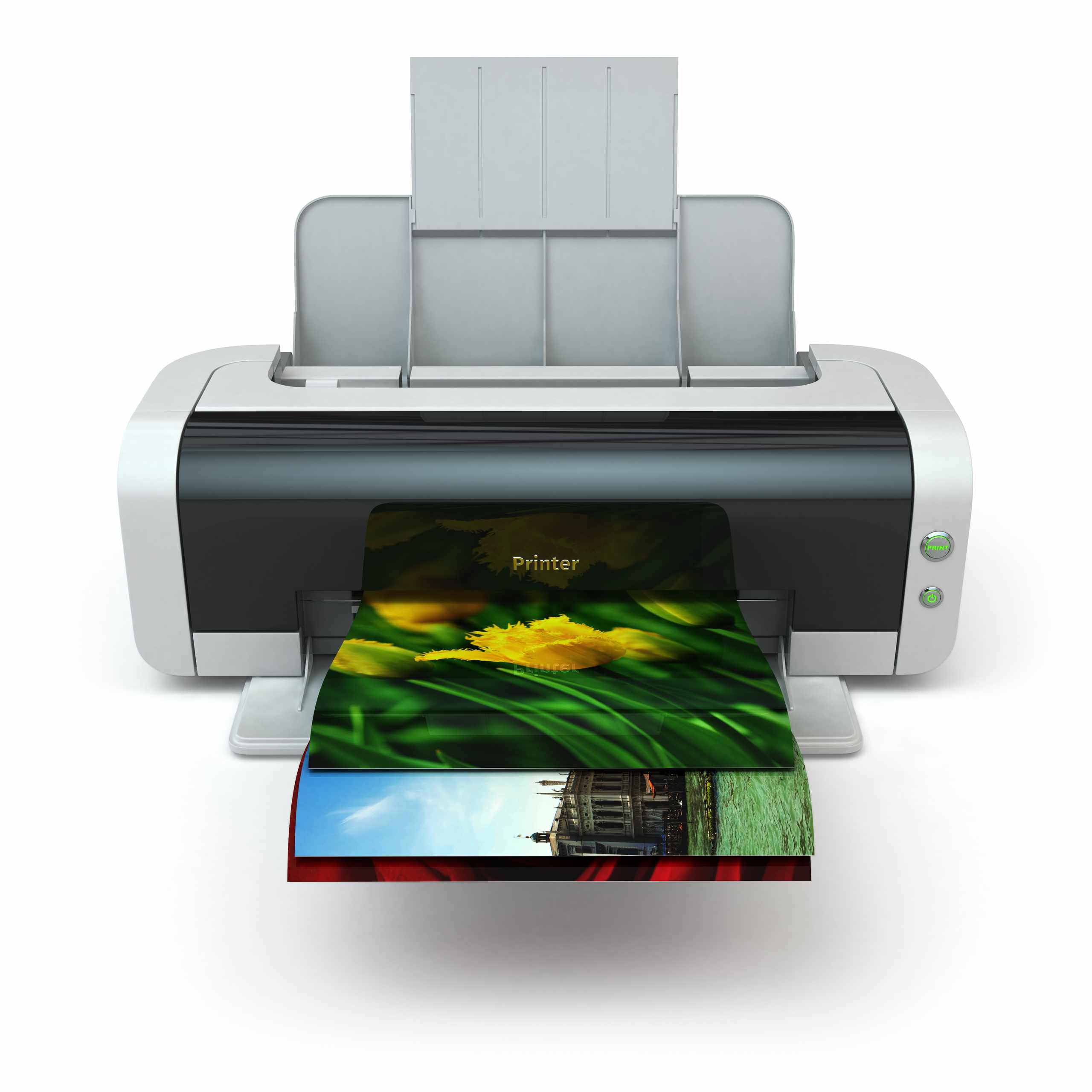
Checking image
resolution.
Learn why an image can look sharp on screen but print softly when its DPI drops after scaling it inside the layout.

Reviewing a print-ready PDF.
A focused PDF check can reveal the wrong page size, missing bleed, font problems, weak margins, and export settings that need correction.
I used to inspect only the design itself. The course gave me a clearer way to check bleed, page size, image resolution, and fonts before sending a PDF for printing.


Good printing depends on decisions.
Reliable preparation comes from checking small technical details: the true finished size, where cutting may shift, whether images have enough resolution, how CMYK changes color, and what the selected paper does to fine detail.
PrintCraft Course keeps the process practical through file rebuilds, bleed guides, resolution comparisons, paper samples, folded mock-ups, proof reviews, and manual preflight checks. Each exercise helps make print specifications easier to understand, inspect, and communicate.